01 / New
Use familiar photos
Choose an image from the device for any phrase. Photos load in the background so the board stays responsive.
Assistive communicationAndroid 6.0+
TapEyTalk turns familiar photos, clear words, and one-touch phrases into speech—so communicating everyday needs can feel immediate and independent.
Live interfaceBoard 01
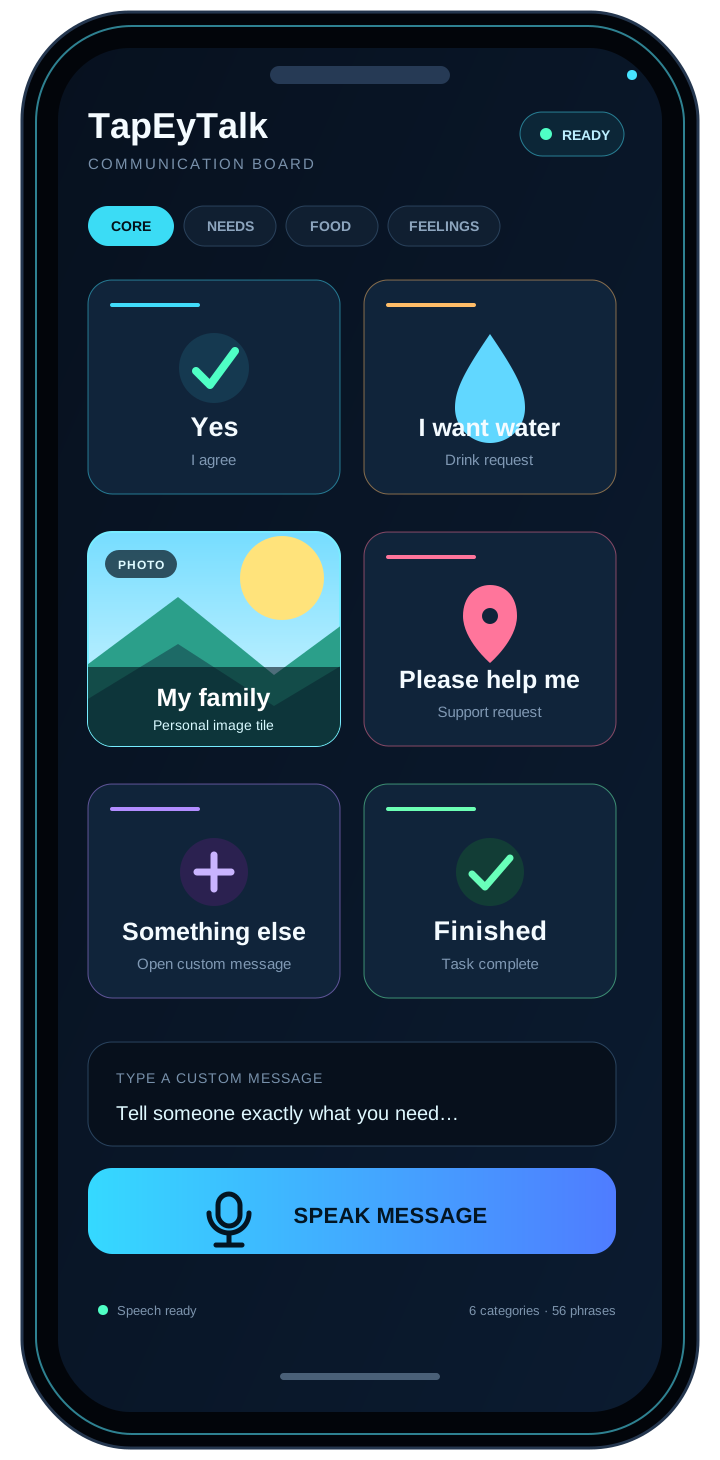
Speech system ready
Release transmission // 1.8.0
The latest release expands how each phrase can look and improves how Android speech is set up, while keeping the app compact and focused.
01 / New
Choose an image from the device for any phrase. Photos load in the background so the board stays responsive.
02 / Guided
If Android needs a speech engine or English voice data, TapEyTalk explains what is missing and opens the right setup path.
03 / Tunable
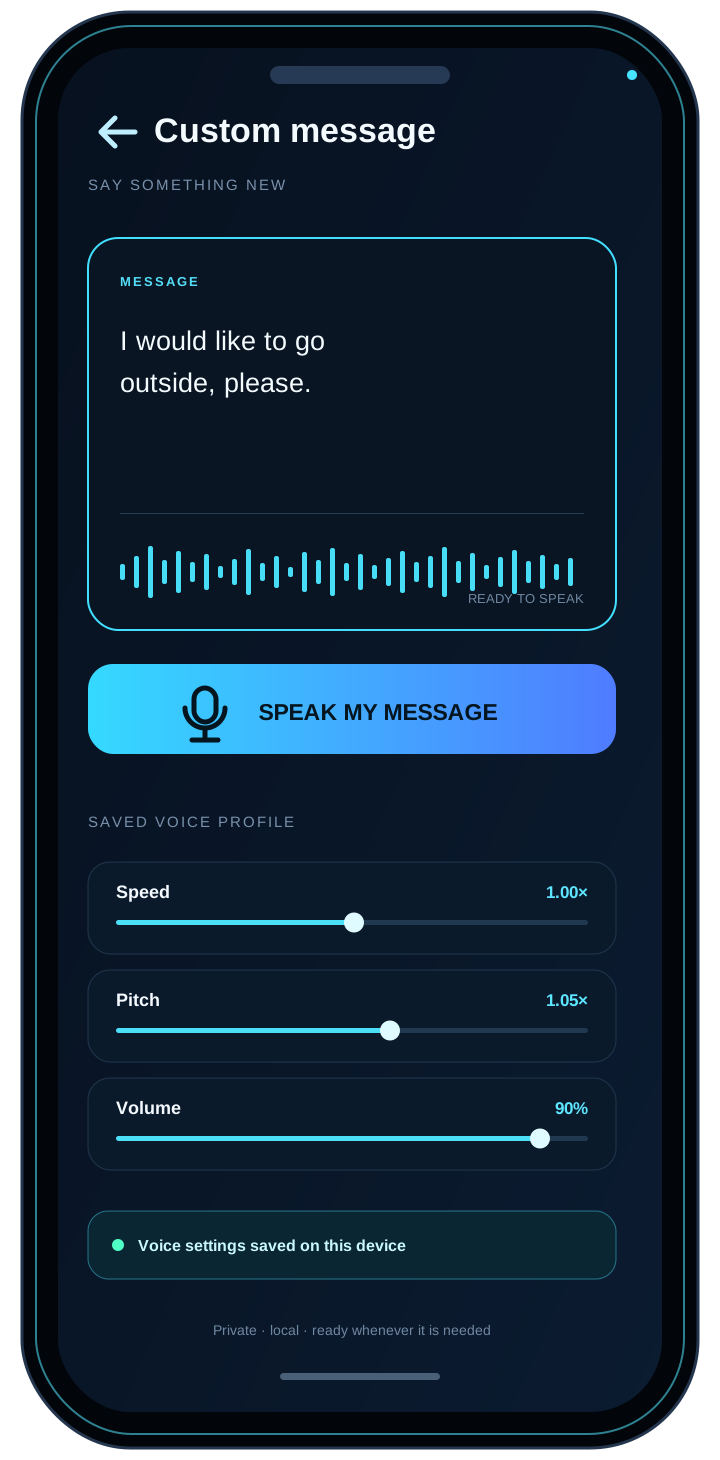
Caregivers can adjust speed, pitch, and volume, preview the result, and save it on the device.
04 / Support
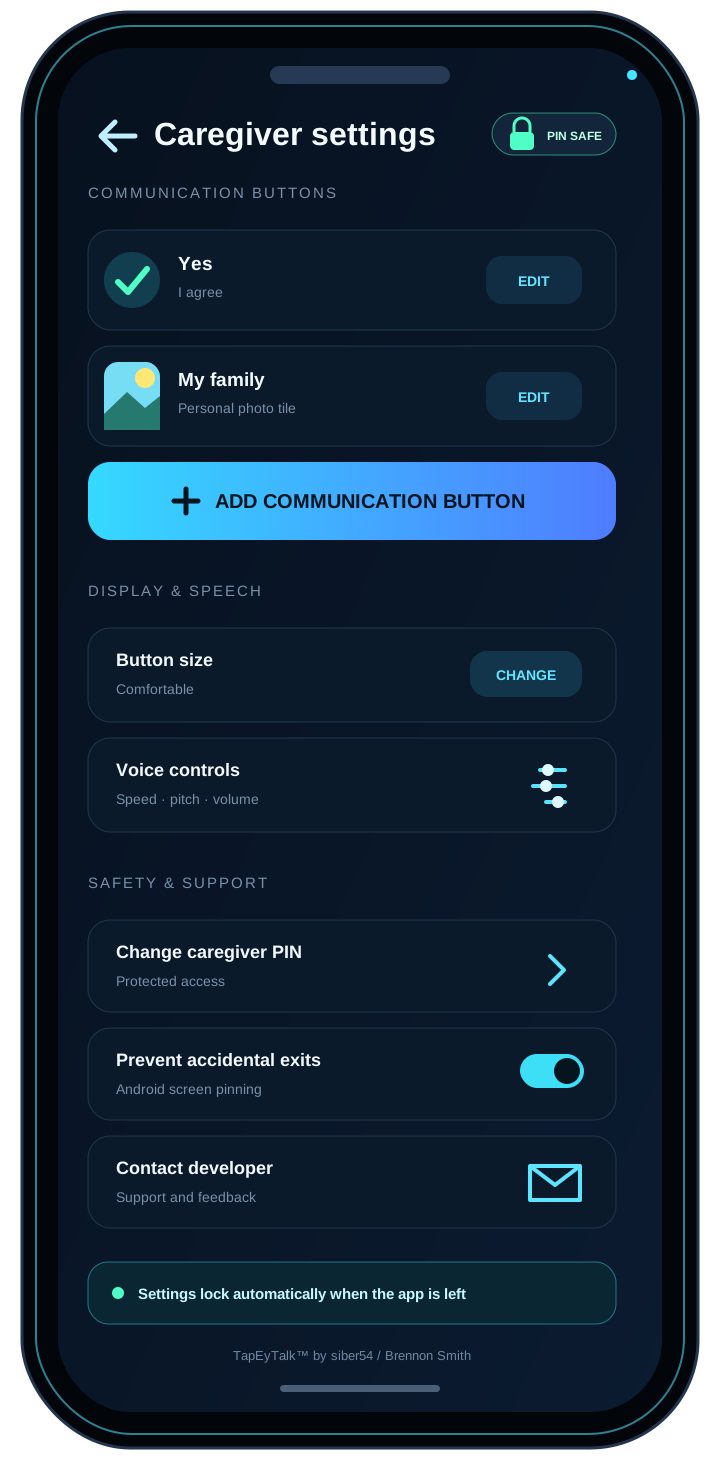
Open a ready-addressed support email directly from the protected caregiver settings.
Core capabilities
01
Large, high-contrast buttons turn saved phrases into clear spoken messages through Android text-to-speech.
02
Type a custom message whenever the prepared phrases are not enough, then speak it aloud with one button.
03
Use 56 starter phrases across Core, Needs, Food & Drink, Feelings, People, and Activities.
04
Compact, Comfortable, and Large tile modes adapt across phones, tablets, landscape, and split-screen windows.
05
A four-digit PIN protects phrase editing, display sizing, voice controls, and focus settings.
06
Optional Android screen pinning helps keep the communication session focused while preserving caregiver access.
Interface sequence
Representative previews based on TapEyTalk’s implemented interface and current 1.8.0 features.
Local channel // Private by design
TapEyTalk uses local app storage and Android’s installed speech system. It does not require an account or send phrases to a paid AI service.
System specification
TapEyTalk for Android
49 KB · Android 6.0+ · Android may ask you to allow installation from your browser or file manager.